prompt topic
Design MCP for the Claude app and ChatGPT
Answer in brief
In a chat app, a design MCP is added as a custom connector in settings: you name it, paste the server's address and sign in. The chat can then browse the library and take a template, and what it builds from it is one self-contained HTML file shown in the conversation.
A chat does not run a project, so it cannot install packages or serve a Vite build. Ask for a single file and you get something you can look at, save and open in a browser.
Claude app
In claude.ai or Claude Desktop, open Settings, then Connectors, and choose to add a custom connector. Name it uberdesigner, paste the address https://uberdesigner.ai/api/mcp and connect. The sign-in to uberdesigner happens in the browser. Whether custom connectors are available depends on your Claude plan.
ChatGPT
In ChatGPT, the path runs through Settings, then Apps & Connectors, then Advanced settings, where developer mode has to be on. After that, Create starts a new connector: give it a name, paste the same address and choose OAuth as the sign-in. Developer mode depends on your ChatGPT plan.
Both apps move these screens around. If the labels in front of you don't match, uberdesigner's MCP page is kept current.
Ask for one file, and for the chat version
A template's main prompt describes a project with several files. Some uberdesigner templates also have a chat version: a prompt that asks for the design as one HTML file, written for exactly this situation. Not every template has one, so say in your request that you are in a chat and want a single file, and let the agent tell you what the template offers.
Keep the first request small. A hero section or one interface piece fits a single file comfortably. A long site with a 3D scene may not, and a chat has no folder to read your photos from, so plan on placeholders you replace later or on images you attach to the message.
Before you ask a chat for a design
- The connector is added and signed in, and switched on for this conversation if the app has a per-chat switch.
- Your plan allows it: custom connectors and developer mode are plan-dependent.
- The request says one HTML file, with styles and scripts inside it.
- The piece is small enough: a hero or a component, not a ten-section site.
- Your content is in the message: the headline, the lines, attached images if the app accepts them.
- You know the next step: saving the file, or moving to a coding agent for a real project.
A prompt to start from
Connector address, for the settings screen: https://uberdesigner.ai/api/mcp

Use the uberdesigner connector. I'm in a chat, not a coding agent, so the result has to be one self-contained HTML file: styles and scripts inside it, no build step, no packages to install.

I want [the piece, e.g. a hero section for a small tea importer called Ninth Leaf]. Browse the library and suggest three hero sections or small pieces that fit, each with its name, link and free or Pro. Tell me which of them have a chat version. Then wait.

When I choose, get that template and build it as one file. Keep its type, spacing, colours and motion. Use my words:
- Headline: "[up to six words]"
- Line under it: "[one sentence]"
- Button: "[label]", linking to [URL]
- Navigation: [three links]

Where the design needs an image, use a plain block in the template's own background colour at the right aspect ratio and label it, so I can replace it.

It must hold from 390px to 1440px wide with no sideways scroll, and show a still version when prefers-reduced-motion is set. After the file, list what I'd need to change to make it mine.
Needs the uberdesigner MCP server added as a custom connector in the Claude app or ChatGPT and signed in. Connector availability depends on your plan with that app.
Pieces small enough for one HTML file
Hero sections and single interface pieces from uberdesigner, all free, that suit a chat better than a long site does. Ask the connected chat which of them offer a chat version.
-
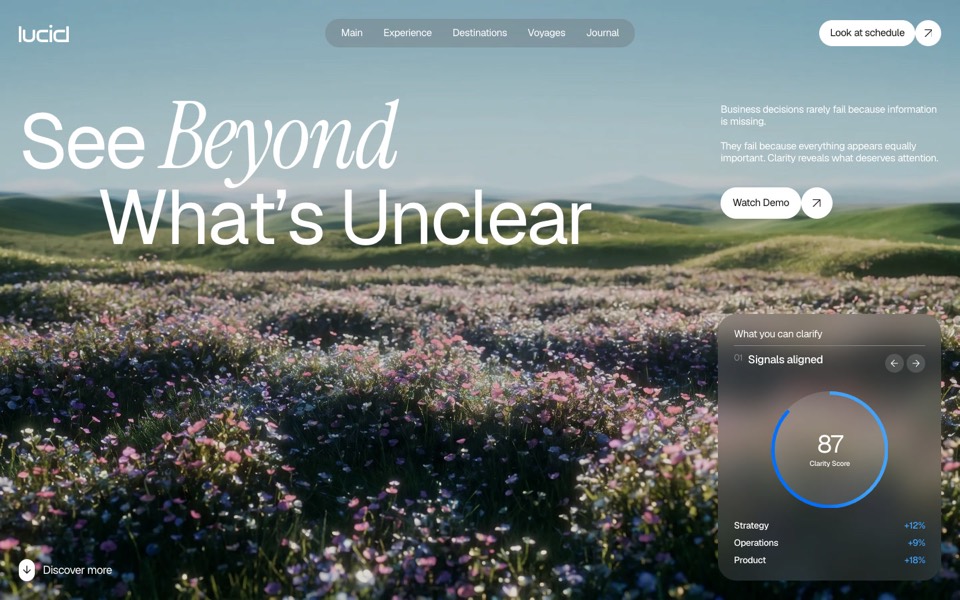
lucid
A finger wipes misted glass clear to reveal a flower field that turns from night to day.
copy its prompt on uberdesigner -
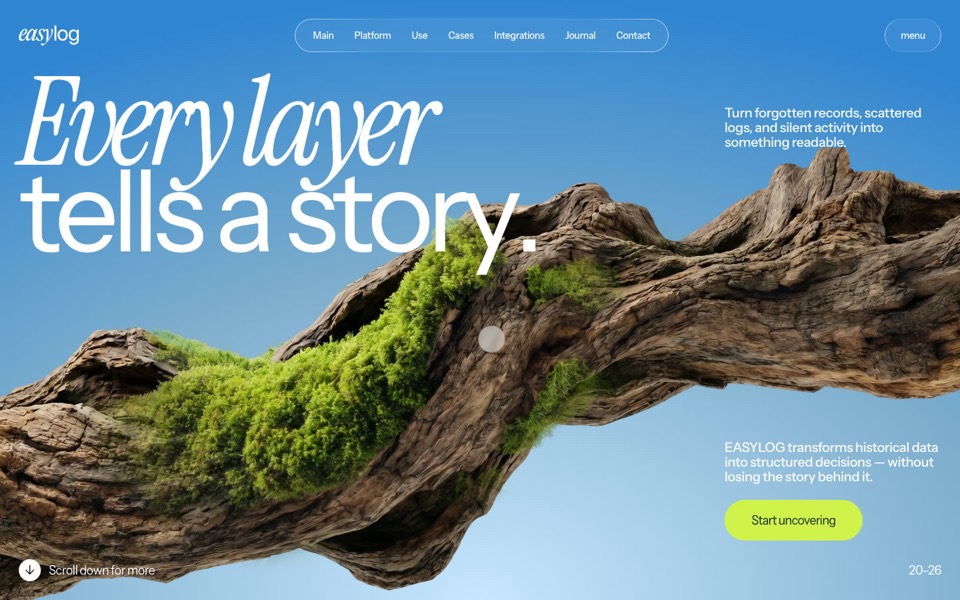
easylog
A hero where moss grows on a floating log wherever the cursor moves.
copy its prompt on uberdesigner -
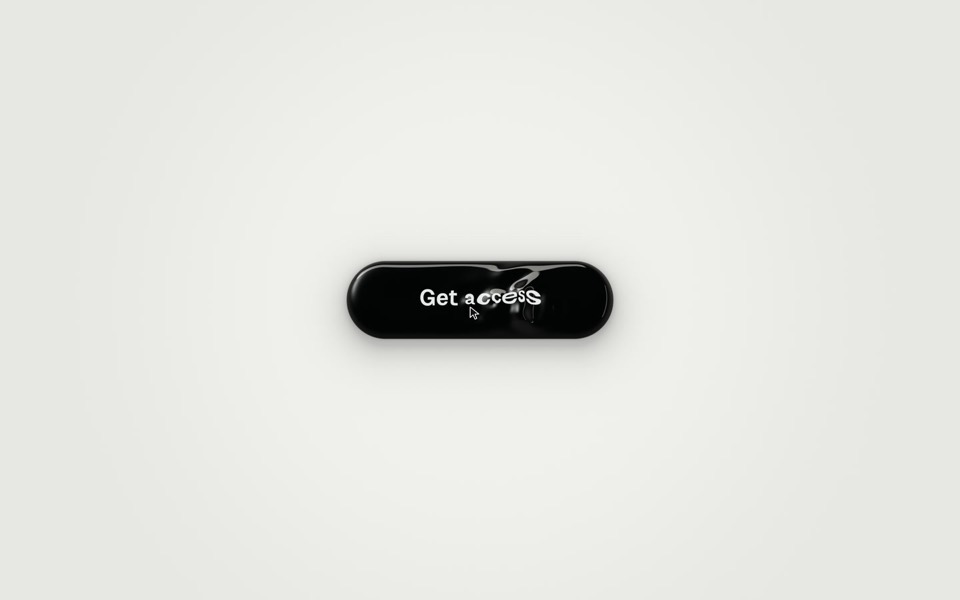
ferrofluid button
A Get access button made of glossy black liquid: hover raises a bulge and a wake of ripples that bend the label, and a click sends three waves across it as You're in surfaces.
copy its prompt on uberdesigner -
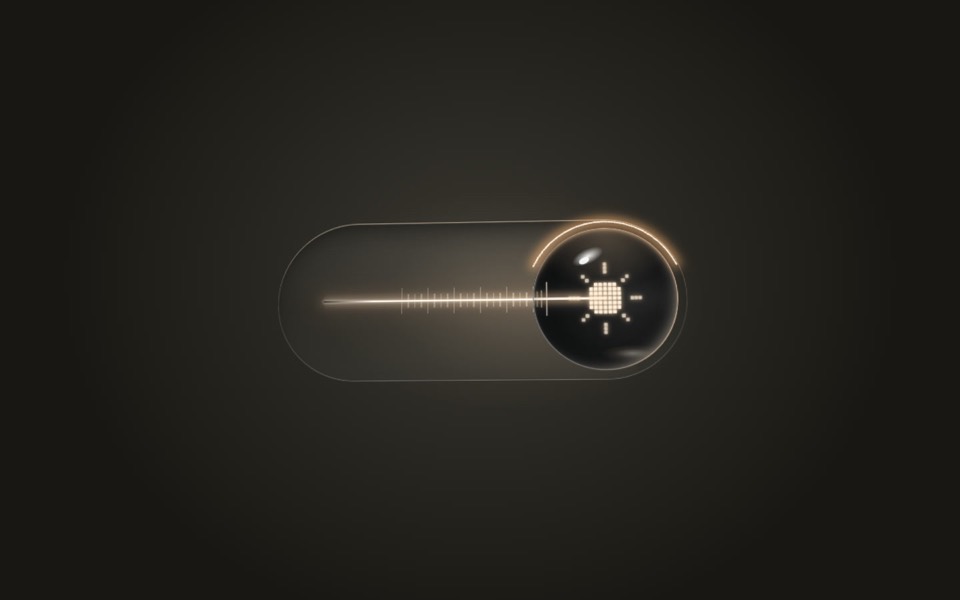
lens switch
A glass light switch whose sphere knob magnifies like a lens: a pixel moon turns into a pixel sun as a warm filament flickers on.
copy its prompt on uberdesigner -
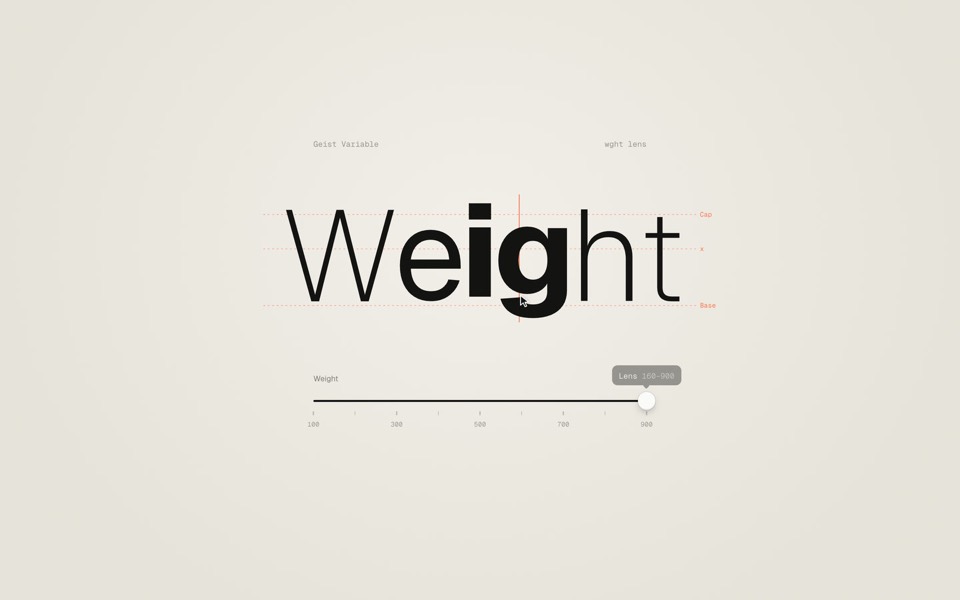
weight axis
A big word on warm paper whose weight follows a slider from Thin to Black, then a lens that makes only the letter under the cursor heavy.
copy its prompt on uberdesigner -
dot sketch
A field of white dots where a finger draws a rough heart, bolt and check, and each one snaps clean in place and reacts, on a 12-second loop.
copy its prompt on uberdesigner -
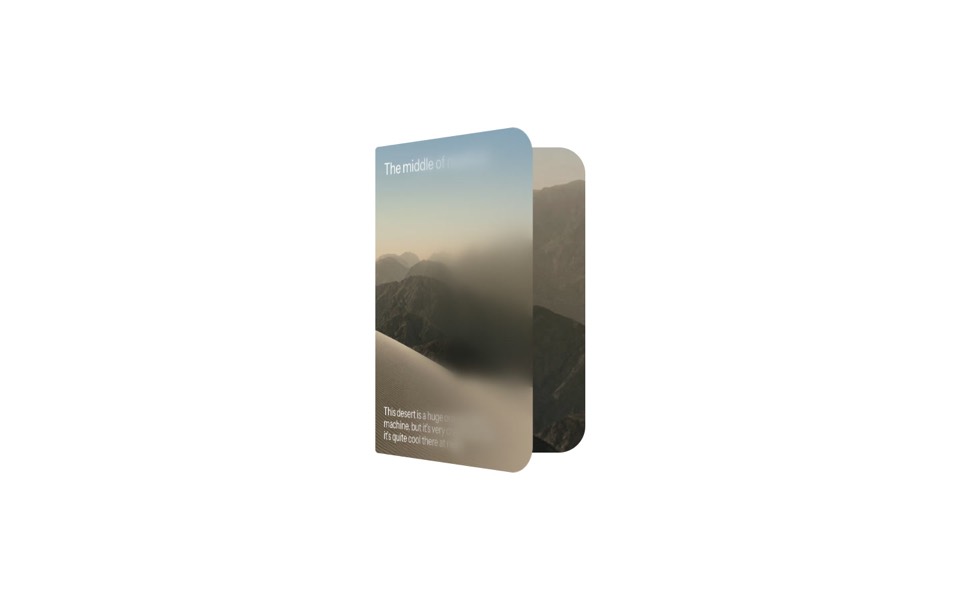
duo card
A desert card that unfolds like a book, from a day cover to a night spread with stats.
copy its prompt on uberdesigner -
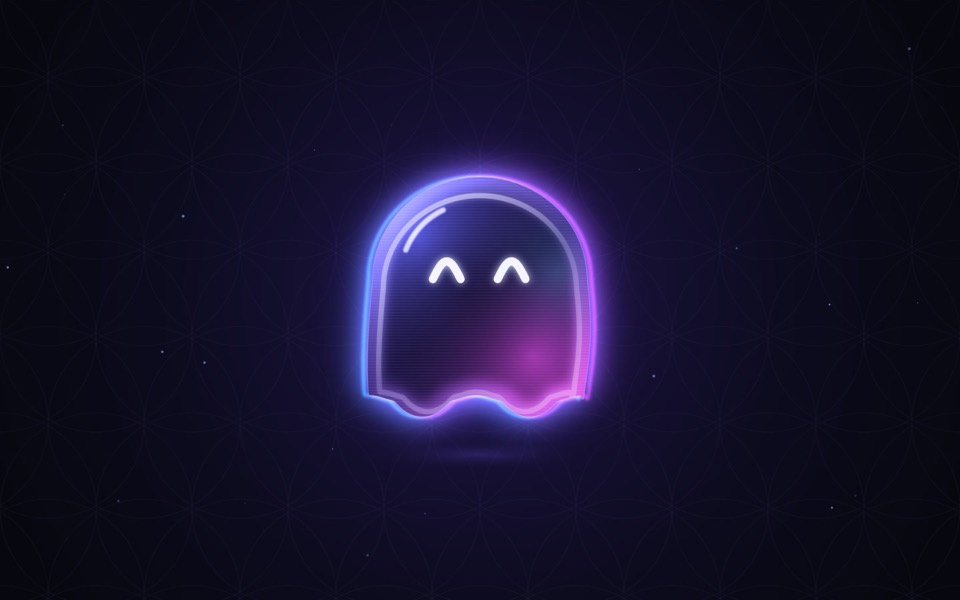
ghost buddy
A glowing glass ghost that follows your cursor and morphs its eyes into every mood.
copy its prompt on uberdesigner

Questions and answers
Can a chat app build the full project from a template?
Not as a project. A chat writes files into the conversation; it does not install or run them. For the Vite + React project, use a coding agent such as the ones on the Claude Code and Codex pages.
I can't find the custom connector option. Why?
Most often because of the plan: custom connectors in the Claude app and developer mode in ChatGPT are not on every plan. Check the app's own help pages for which plans include them.
Keep reading
- What is a design MCPA plain definition of a design MCP server, what it replaces in a design-to-code workflow, and the things it does not do.
- Design MCP permissions and safetyGood practice for connecting any MCP server to an AI agent: trust, what tools ask for, browser sign-in over pasted keys, and reviewing what the agent writes.
Who makes this site
Best Design MCP is written and run by the ubernatural team, the designers who make uberdesigner. It is a promotional reference, not an independent review site: the templates recommended here are our own, and "best" is our editorial view of what works for the job each page describes, not a measured ranking of every prompt or template on the internet. Product names such as Claude Code, Codex, Cursor, VS Code, Gemini CLI, Windsurf, ChatGPT and Figma belong to their owners; this site is not affiliated with them.
Cite this page: Best Design MCP, “Design MCP for the Claude app and ChatGPT”. Reviewed 11 November 2026. https://bestdesignmcp.com/design-mcp-for-chat-apps/